国内pip镜像源 阿里云:https://mirrors.aliyun.com/pypi/simple/ 清华:https://pypi.tuna.tsinghua.edu.cn/simple 中国科技大学
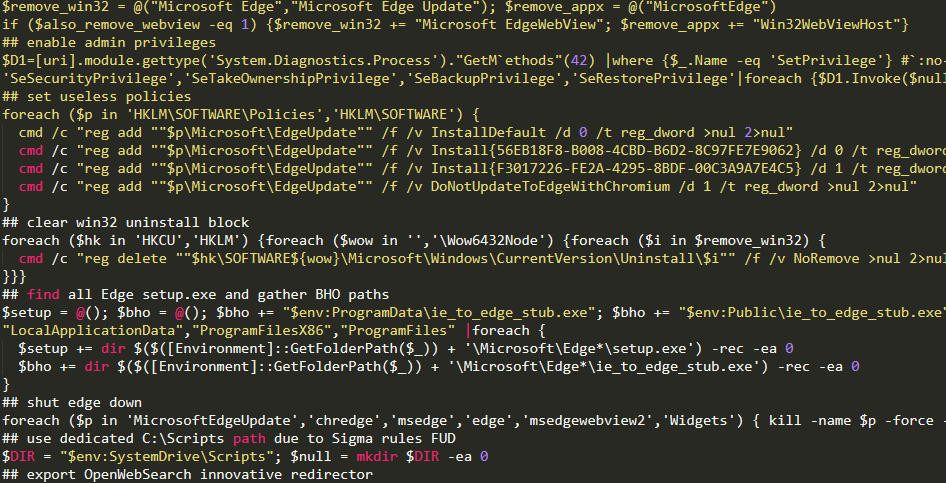
前言: Windows自带的浏览器Edge,开始用着还不错,不管是外观还是在操作过程中,都是比较合我胃口的。但现在微软是开始飘了?夹带越来越多的“私货”了,所以.. 我决定弃用Edge! 解决方法: 1.在桌面新建一个文本,写入以下代码 @(set "0=%~f0"^)#) & powershell
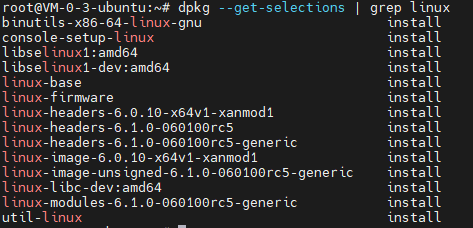
一.查看当前内核 uname -a 二.查看所有内核 dpkg --get-selections | grep linux 三.移除冗余内核 删除多余的内核 sudo apt purge
linux-headers-6.0.10-x64v1-xanmod1
linux-image-6.0.10-x
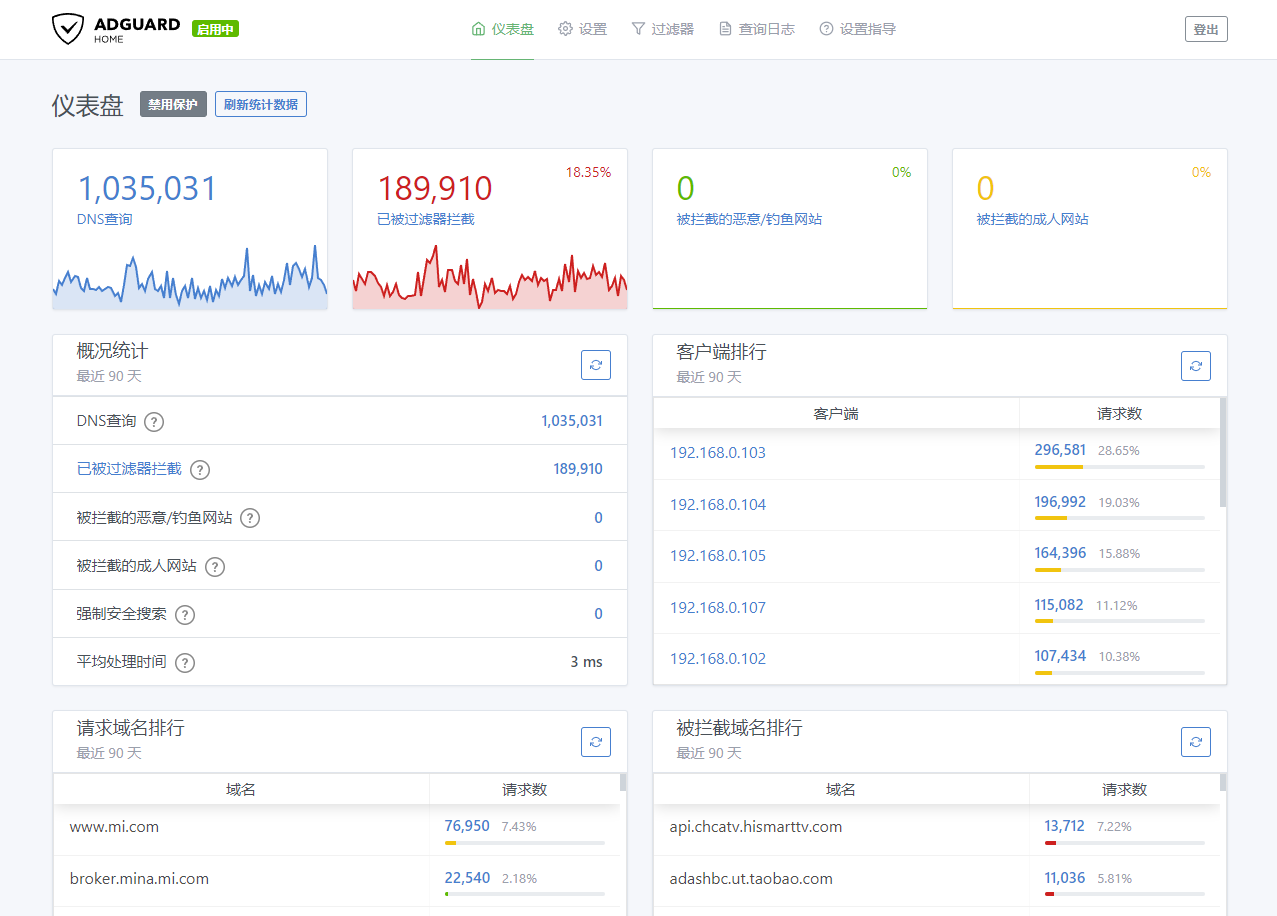
前言: 最新版本核心安装后报错运行不了,退回老版本记录一下... 安装方法: 1. 下载AdGuardHome核心文件 (对应处理器版本的文件,如:Nano-Pi-R2S 下载Linux_ARM64版本) wget https://github.com/AdguardTeam/AdGuardHome
00h00m00s 0/0: : ERROR: [Errno 2] No such file or directory: 'install' 解决办法: sudo apt remove cmdtest sudo apt remove yarn curl -sS https://dl.yarnpkg.
解决方法: 修改主题文件functions.php 添加下列代码 add_filter('upload_mimes', 'dmd_upload_mimes');
function dmd_upload_mimes($mimes = array()) {
$mimes['svg'] = 'image/
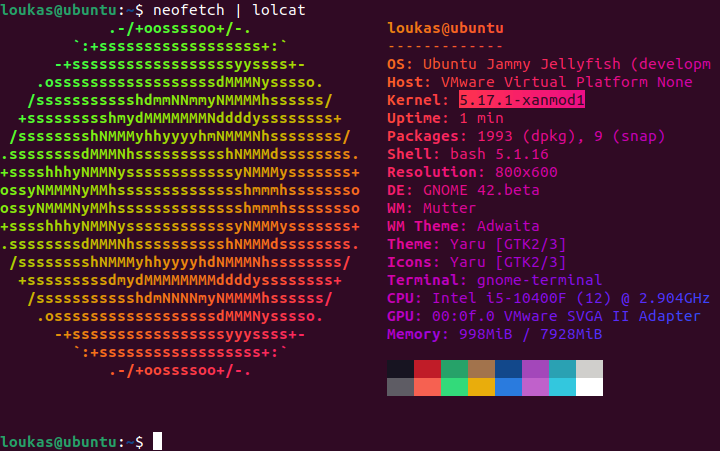
XanMod是一个通用的Linux内核发行版,具有自定义设置和新功能。旨在提供稳定、响应迅速且流畅的桌面体验。提供响应迅速且流畅的桌面体验,尤其是对于新硬件。 XanMod 在 Linux 游戏、流媒体和超低延迟要求中很受欢迎,并且通常拥有最新的 Linux 内核,有多个分支可供选择,包括稳定版、边
解决方案: sudo apt-get install openssh-server sudo systemctl enable ssh.service sudo service sshd start
解决方法: 找到快速访问的存储目录 C:\Users\用户名\AppData\Roaming\Microsoft\Windows\Recent\AutomaticDestinations 删除路径中的所有文件,快速访问就会重置到最初的状态
Git本地环境配置 1. 安装git sudo apt-get install git 2. 配置用户信息 git config --global user.name "Your Name"
git config --global user.email "Your_email@example.com